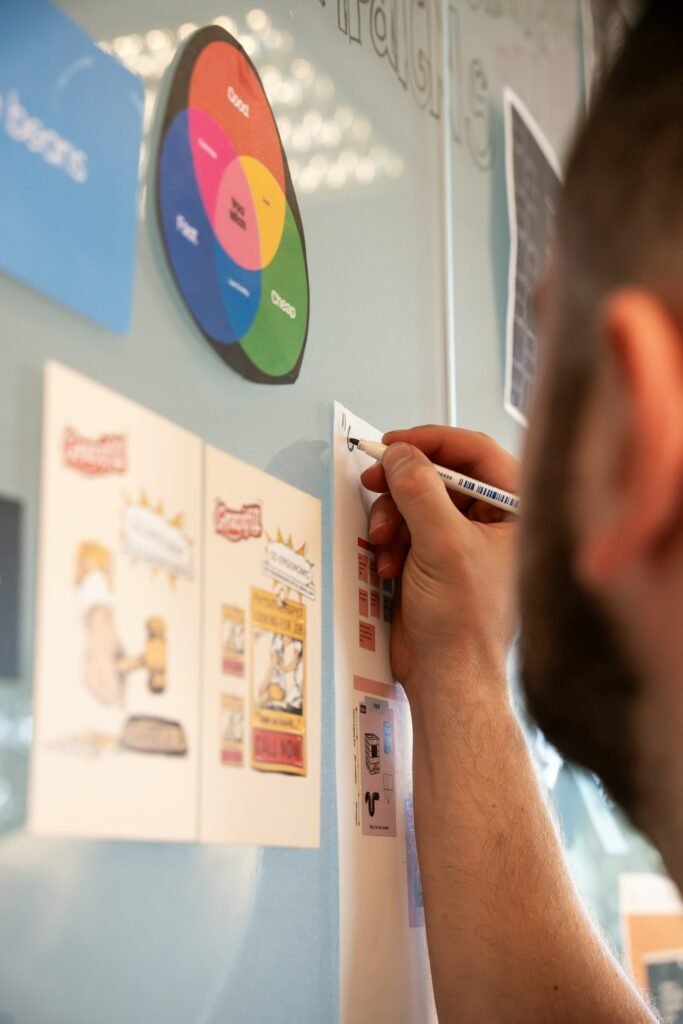
A desktop whiteboard gives you a quick spot to sketch ideas, jot a running task list, or leave a note visible without opening an app. By the end of this guide, you’ll have one set up on your desk in the right spot, with markers and an eraser actually within reach.
What You’ll Need
- A desktop whiteboard — the Double-Sided Magnetic White Board with Stand works well for most desks
- A glass option like the Varhomax Glass Desk Whiteboard with Storage if you want a more premium surface with built-in marker storage
- Dry erase markers and an eraser
- A microfiber cloth for deeper cleaning
Step-by-Step Instructions
Step 1: Decide where the board will live
Pick a spot within easy reach of your seated position — beside your monitor or just behind your keyboard — rather than somewhere you’d need to get up to reach.
Step 2: Check the board’s stand or mounting stability
If it’s a stand-based desktop board, unfold and test the stand on your actual desk surface to confirm it sits stable before relying on it daily.
Step 3: Store markers and the eraser next to the board
Use the board’s built-in marker tray if it has one, or a small cup beside it — markers that end up in a drawer defeat the purpose of a quick-access board.
Step 4: Do a first full wipe-down before first use
New boards sometimes have a light manufacturing residue — wipe the surface down before your first use so early ink doesn’t ghost or stain.
Step 5: Set a light-use writing habit
Avoid pressing too hard or leaving ink on the board for extended periods (weeks), since prolonged exposure makes some ink harder to fully remove later.
Step 6: Do a proper clean with isopropyl alcohol periodically
Once basic dry erasing stops fully clearing old marks, wipe the surface with isopropyl alcohol on a microfiber cloth rather than switching to a harsher cleaner that can dull the surface finish.
Tips for Best Results
- Store markers directly on or beside the board so using it doesn’t require a separate trip to find one
- Wipe off writing within a few days rather than letting it sit for weeks, which makes ghosting more likely
- Use isopropyl alcohol rather than harsh chemical cleaners for stubborn marks
- A glass board resists ghosting better over time than a basic melamine surface, if that’s a recurring issue
Common Problems
The most common issue is ghosting — faint marks that won’t fully erase — which happens when ink sits on the surface too long or when a low-quality marker is used repeatedly. Isopropyl alcohol on a microfiber cloth clears most ghosting that a standard dry eraser can’t.
Frequently Asked Questions
How do I stop my whiteboard from ghosting?
Erase writing within a few days rather than letting it sit for weeks, and use isopropyl alcohol on a microfiber cloth for marks a standard eraser won’t fully clear.
Do I need a special cleaner for a whiteboard?
Isopropyl alcohol works well for most stubborn marks — avoid harsh household cleaners, which can dull or damage the board’s surface finish over time.
Is a glass whiteboard better than a standard melamine one?
Glass typically resists ghosting and staining better over time, though it usually costs more than a standard melamine surface.
Where should I position a desktop whiteboard?
Within easy reach of your seated position — beside your monitor or just behind your keyboard — so you’ll actually use it rather than needing to get up.
Conclusion
A desktop whiteboard stays useful as long as markers are within reach and you clean marks off before they set in for weeks. Ready to upgrade? Check our Best Desktop Whiteboards guide for a full comparison of top picks.