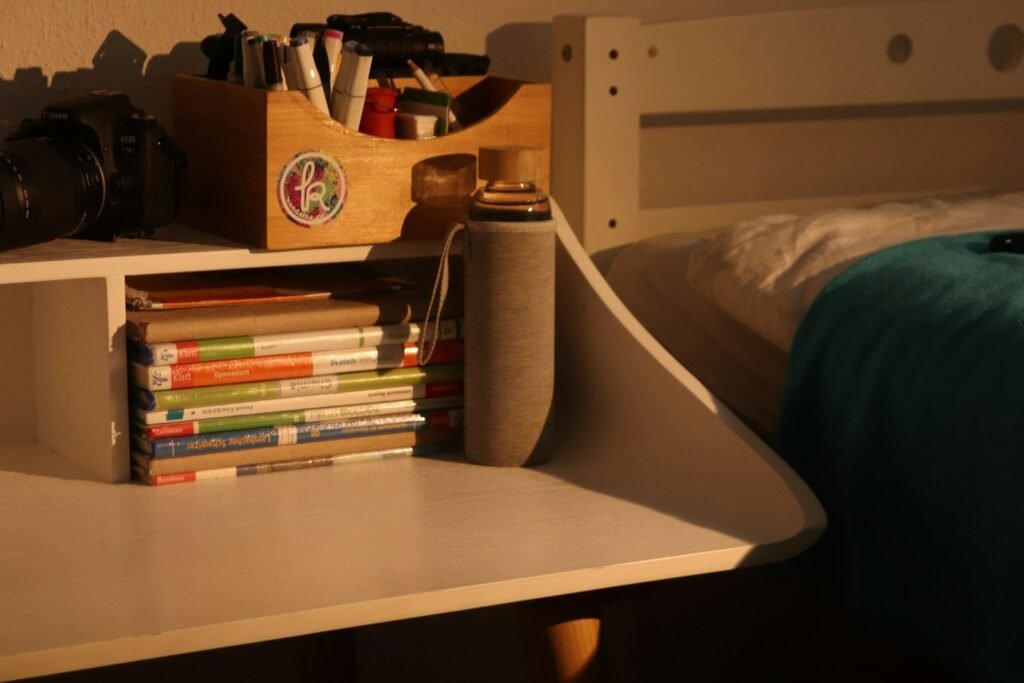
Desktop shelving that wobbles, blocks your monitor, or sags under a moderate load isn’t doing its job. Here are the most common desktop shelving problems and how to actually fix them.
Shelf Wobbles on the Desk
Likely cause: Uneven desk surface, or the shelving unit’s own feet aren’t making full, level contact.
Fix: Check the desk surface for unevenness first, then confirm all of the shelf’s feet or base points sit flush — a thin shim under one corner can correct minor unevenness.
Unit Blocks Monitor Sightline
Likely cause: The shelf was measured against empty desk depth without accounting for the monitor’s actual position once in use.
Fix: Reposition the shelf to one side rather than centered, or remeasure with the monitor in its normal working position before deciding on final placement.
Shelves Sag Under a Moderate Load
Likely cause: Items loaded exceed the shelf’s rated weight capacity, or weight isn’t distributed evenly across the tier.
Fix: Redistribute weight more evenly across each shelf, and check the stated weight capacity — moving heavier items to a lower, sturdier tier or a different storage solution may be necessary.
Assembly Feels Loose or Unstable
Likely cause: Screws or connecting hardware weren’t fully tightened during initial assembly, or have loosened with regular use over time.
Fix: Go through all connection points and retighten any loose hardware — this is a normal maintenance step for assembled furniture, not usually a sign of a defective unit.
Unit Scratches or Marks the Desk Surface
Likely cause: Hard plastic or unpadded feet in direct contact with a finished desk surface.
Fix: Add felt pads or rubber feet to the shelf’s base points if they didn’t come with soft padding, protecting the desk finish underneath.
Shelf Feels Top-Heavy or Unstable at Full Load
Likely cause: Heavier items were placed on upper tiers, raising the unit’s overall center of gravity above the base.
Fix: Move heavier items down to lower tiers regardless of your original organizing plan — stability at the base matters more than category logic if the two conflict.
When to Replace Instead of Repair
If a shelf continues sagging under a reasonable, evenly distributed load even after retightening hardware, it’s likely undersized for what you need rather than defective — moving up to a sturdier model with a higher weight rating solves this more reliably than continued adjustment.
Frequently Asked Questions
Why does my desktop shelf wobble?
Usually an uneven desk surface or the shelf’s feet not making full contact — check both, and a thin shim under one corner often corrects minor unevenness.
How do I know if desktop shelving will block my monitor?
Measure with your monitor in its normal working position, not just the empty desk depth, before deciding on placement — reposition off-center if needed.
Why do my shelves sag under items that don’t seem too heavy?
Check the shelf’s actual rated weight capacity per tier — what seems like a modest load can still exceed a lighter-duty shelf’s design limits.
Can desktop shelving scratch my desk?
Hard, unpadded feet can over time — adding felt or rubber pads to the base points protects the desk surface underneath.
Why does my loaded shelf feel unstable at the top?
Heavier items placed on upper tiers raise the center of gravity — move them down to lower tiers even if it doesn’t match your original category plan.
Conclusion
Most desktop shelving problems come down to either placement (blocking sightlines, uneven desk contact) or exceeding the unit’s rated capacity — both are straightforward to diagnose and adjust.