Quick Answer
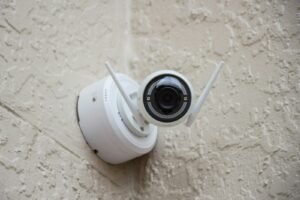
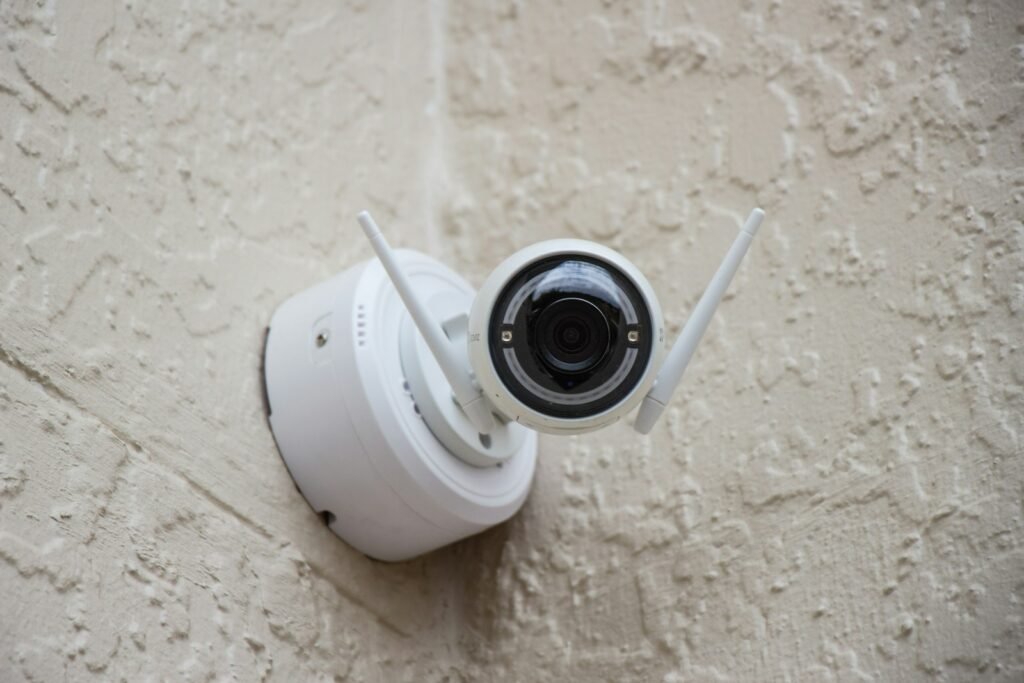
A home office security camera is a small indoor camera, usually Wi-Fi connected, that monitors your office space and sends motion alerts or streams live video to a phone app — letting you check on your equipment, documents, and room even when you’re not there.
How It Works
The camera connects to your home Wi-Fi network and streams video to a companion app, either continuously or triggered by motion detection. Most models offer local storage on a microSD card, cloud storage through a subscription, or both. Motion detection algorithms range from basic (anything that moves) to smart (specifically flagging a person or pet), which significantly affects how many false alerts you’ll receive day to day. Some models add a physical privacy cover or shutter specifically for moments you don’t want the camera active at all.
Benefits
- Lets you monitor your office space and equipment remotely from a phone app
- Motion alerts notify you of activity even when you’re not actively watching
- Physical privacy covers (on some models) let you fully disable the camera during confidential calls
- Local storage options avoid ongoing subscription costs for basic recording
Types of Home Office Security Cameras
Wi-Fi indoor cameras are the most common, connecting wirelessly and offering flexible placement. Wired PoE (Power over Ethernet) cameras trade installation flexibility for a more reliable, uninterrupted connection. Pan-tilt cameras can rotate to track motion or cover a wider area from one mounting point, while fixed cameras cover a single set field of view.
Who Needs This?
Anyone who wants to monitor a home office for security, keep an eye on equipment or documents, or simply have peace of mind while away from the room benefits from a security camera, especially in a space that holds business equipment or client files.
Home Office Security Cameras vs. Drawer Locks
A security camera monitors and records activity in the room generally. A drawer lock instead physically restricts access to a specific storage spot. The two serve different security functions — a camera detects and records, while a lock prevents access — and are often used together rather than as alternatives.
Frequently Asked Questions
Do I need a subscription to use a home office security camera?
No — several cameras support local microSD storage with no required subscription. Cloud-based features like extended history are typically optional add-ons.
Is a wired or Wi-Fi security camera better for a home office?
Wi-Fi cameras are simpler to install and fine for most home offices. A wired PoE camera is worth the extra setup if you’re protecting business equipment or client files where connection reliability matters more.
How do I make sure the camera isn’t recording during confidential calls?
Look for a camera with a physical privacy cover or shutter rather than relying on a software-only privacy mode, which guarantees the lens and microphone are actually disabled.
What resolution do I need for a home office camera?
1080p is sufficient for general monitoring. Choose 2K or 4K if you specifically need to identify a face or read details like a license plate at a distance.
Can a security camera record audio as well as video?
Most home office cameras include two-way audio, letting you both hear and speak through the camera from the companion app.
How many cameras do I need for a home office?
One camera covering the room’s main entry point is usually enough for a single-room home office; a larger space with multiple entry points may benefit from two.
Next Steps
Ready to buy one? See our Best Home Office Security Cameras picks for a full comparison of top-rated options.