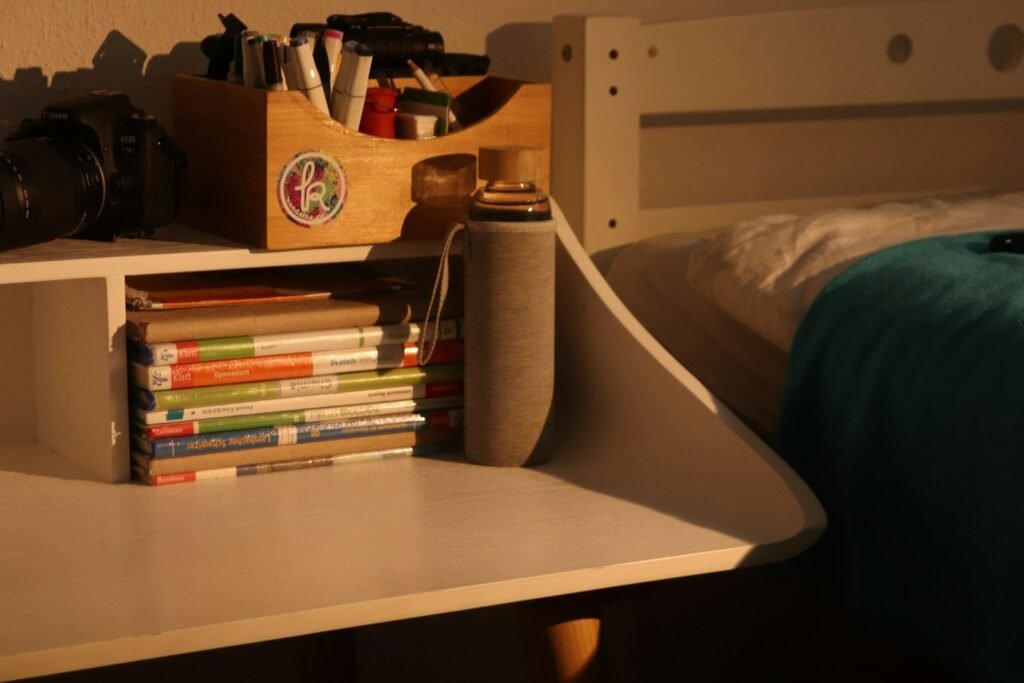
Desktop shelving adds vertical storage directly on your desk surface, useful for books, small supplies, or decor without eating into your working area. By the end of this guide, you’ll have shelving set up that actually adds usable space instead of just visual clutter.
What You’ll Need
- A desktop shelf — the HOOBRO Desktop Bookshelf, 3-Tier works well for books and small supplies
- A higher-capacity option like the deli Desktop Shelf, Desk Hutch with 5 Shelves if you need more storage tiers
- A tape measure to confirm it fits your desk depth without blocking your monitor
Step-by-Step Instructions
Step 1: Measure your desk’s depth and monitor position
Confirm the shelving unit’s footprint leaves enough desk depth for your monitor and normal working position — a shelf that’s too deep pushes your monitor uncomfortably close.
Step 2: Decide what’s actually going on the shelf
Sort items into what you want elevated (reference books, decor, rarely-touched supplies) versus what needs to stay on the desk surface itself (things you use constantly).
Step 3: Place heavier items on lower tiers
Distribute weight with heavier items on the bottom shelves and lighter items higher up, both for stability and easier reach.
Step 4: Position the unit off to one side if it blocks monitor sightlines
If a centered shelf blocks your view of a monitor, especially a dual-monitor setup, shift it to one side rather than centered behind your main screen.
Step 5: Leave room to still reach your desk surface underneath
Confirm the shelf doesn’t reduce your usable desk surface below what you need for typing, writing, or other daily tasks.
Tips for Best Results
- Measure your desk depth including monitor placement before buying, not just the shelf’s footprint alone
- Keep heavier items on lower tiers for stability
- Reserve desktop shelving for items you don’t need constant hands-on access to
- Position off-center if a centered unit blocks your monitor sightline
Common Problems
The most common issue is a shelving unit that looks fine in photos but pushes the monitor too close once installed, since desk depth and monitor placement interact in ways easy to underestimate. Measure with your monitor already in its normal position before ordering, not just the empty desk depth.
Frequently Asked Questions
Will desktop shelving block my monitor?
It can if the unit is too deep or centered directly behind your screen — measure with your monitor in its normal position before ordering, and consider off-center placement if needed.
How much weight can desktop shelving hold?
This varies by model and material — check the stated weight capacity per shelf, and always place heavier items on lower tiers regardless of the unit’s total capacity.
What should I store on desktop shelving versus on the desk itself?
Reserve shelving for items you don’t need constant hands-on access to — reference books, decor, backup supplies — while keeping daily-use items on the desk surface.
Does desktop shelving reduce usable desk space?
It can if positioned poorly — confirm the unit still leaves enough clear desk surface for typing and other daily tasks before committing to a spot.
Conclusion
Desktop shelving adds real storage only if it doesn’t crowd your monitor or working space — measure with your setup in its normal position before buying. Ready to upgrade? Check our Best Desktop Shelving guide for a full comparison of top picks.