Cable clutter is one of the most visible signs of a disorganized home office — cords crossing the floor, tangled bundles behind a desk, a power strip buried under a nest of plugs. This guide brings together everything on SetupLab about cable management for a home office: product roundups, buying guides, step-by-step setup instructions, troubleshooting, and head-to-head comparisons, organized by the specific problem you’re trying to solve.
Why Cable Management Matters in a Home Office
Beyond the visual clutter, poorly managed cables create real friction in daily work — tripping hazards, cables getting crushed under chair wheels, and the recurring frustration of not knowing which cord belongs to which device. A deliberate cable management setup, built from a handful of inexpensive products used together, solves all of this permanently rather than requiring an ongoing cleanup routine.
How to Approach Cable Management in Your Home Office
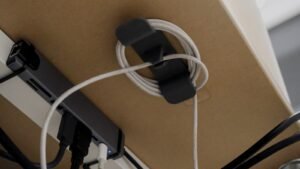
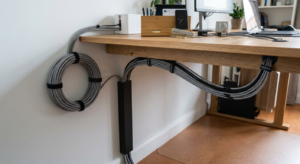
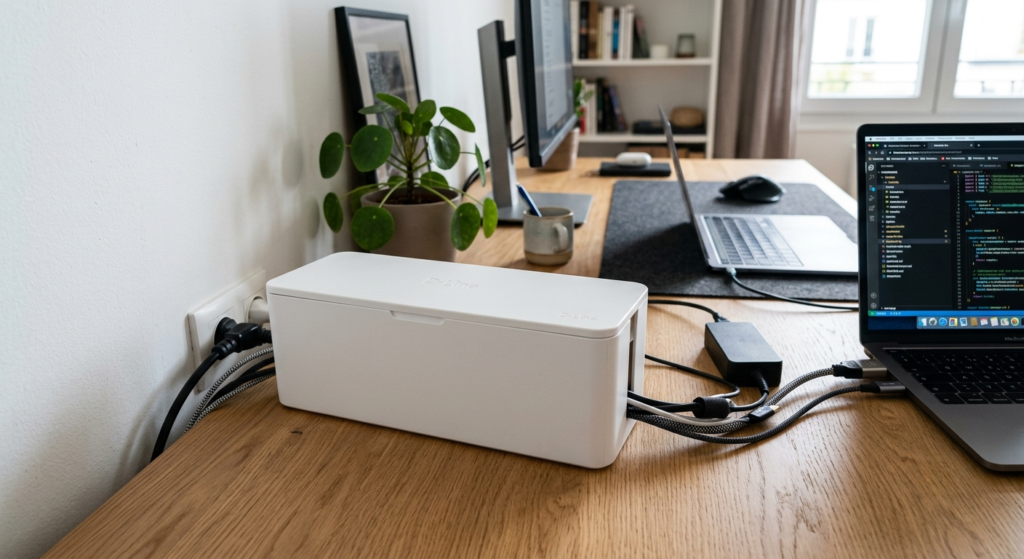
Rather than buying one product and expecting it to solve everything, effective cable management typically layers a few tools together: something to bundle loose cables (braided sleeves or clips), something to hide the power strip they connect to (a cable box), something to route cables cleanly along a wall (a raceway), and something to keep it all identifiable later (labels). Start with whichever problem bothers you most, then add the others as needed.
Best X Roundups: Compare Top-Rated Products
Full product comparisons with real pricing, ratings, and pros/cons for each cable management category:
- Best Cable Raceways
- Best Cable Boxes
- Best Cable Management Clips
- Best Braided Cable Sleeves
- Best Under-Desk Cable Trays
- Best Cable Labels
- Best Cable Winders
- Best Adhesive Cable Bases
Installation Guides
Full installation walkthroughs for each product category, from measuring to final setup:
- How to Choose and Set Up Cable Raceways
- How to Choose and Set Up Braided Cable Sleeves
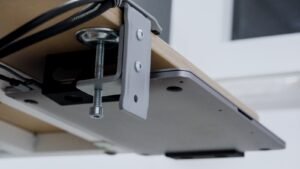
- How to Choose and Set Up Under-Desk Cable Trays
Head-to-Head Comparisons
Not sure which product actually solves your specific problem? These comparisons break it down:
Common Mistakes to Avoid
- Buying one product and expecting it to solve every type of cable clutter — most setups need 2-3 different tools working together
- Skipping surface prep (cleaning with isopropyl alcohol) before applying any adhesive-backed product, the single most common cause of early failures
- Overloading a single cable box, raceway, or clip beyond its rated capacity instead of splitting the load across two
- Labeling only one end of a cable, which still leaves you tracing it by hand from the other side
Frequently Asked Questions
Where should I start if my whole home office cable setup is a mess?
Start with whichever problem bothers you most — an exposed power strip (cable box), loose tangled cables (sleeves or clips), or a visible wall run (raceway) — then layer in the others.
Do I need every product in this cluster?
No — most home offices only need 2-3 of these tools together. Read the buying guides and comparisons above to figure out which specific problems you actually have.
How much should a full cable management setup cost?
A basic setup covering clips, a box, and some labels can cost under $60 total; a more complete setup adding a raceway and sleeves typically runs $100-150 depending on how much length and how many devices you’re covering.
How long does a full cable management overhaul take?
Most home offices can be fully redone in an afternoon — a few hours for planning, cleaning surfaces, and installing everything, assuming products are already on hand.
Conclusion
Cable management in a home office is rarely a single-product fix — it’s a handful of inexpensive tools used together, matched to the specific mess you’re dealing with. Use the roundups above to pick products, the how-to guides to install them correctly, and the troubleshooting pieces if something isn’t holding up the way it should.